


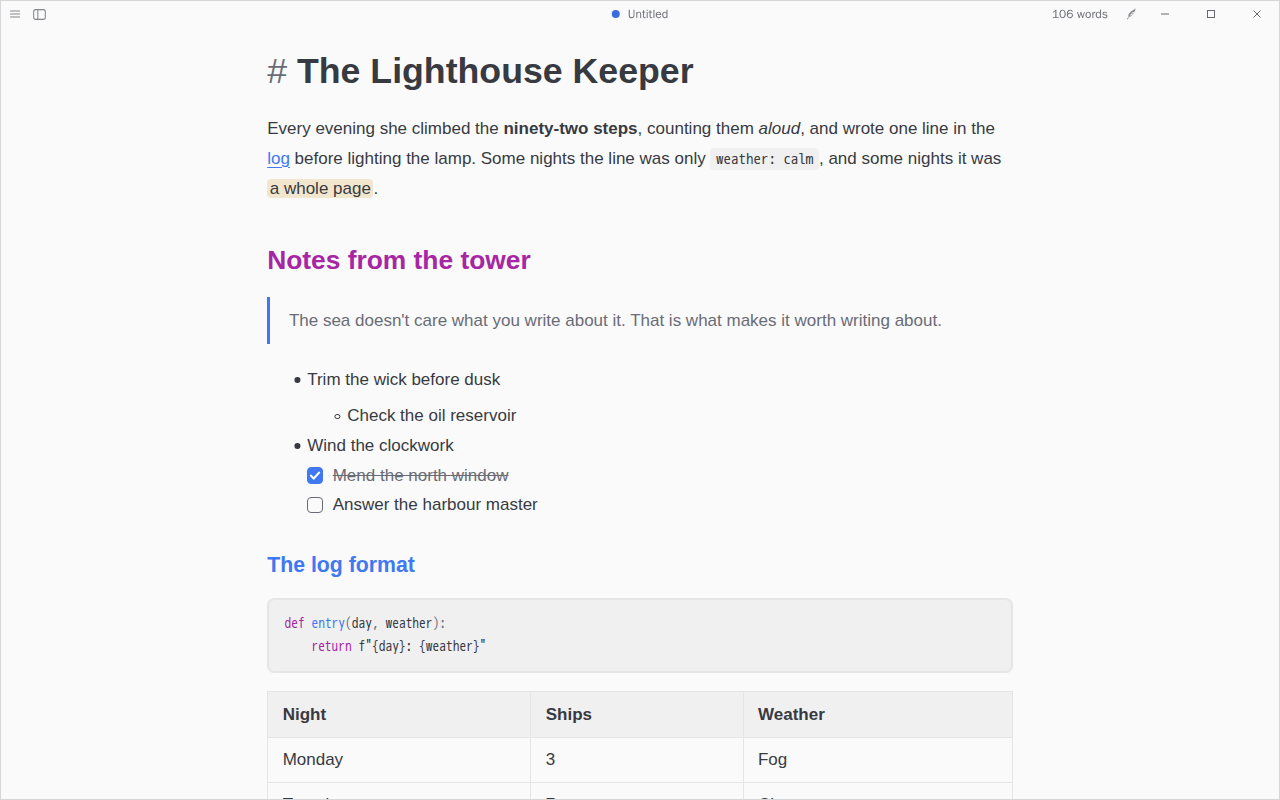
One Dark & One Light
by @CatVinci-Studio · MIT
A coder's favourite for writing: One Light by day and One Dark at night, blue links, headings stepping through purple, blue, green and gold, and code in the same colours. On the Atom One palettes.
Themes, plugins and skills for Textus. Look around here, then install them inside the app, in Settings › Extensions.
How your documents look, made and shared by people who write with Textus.
by @CatVinci-Studio · MIT
A coder's favourite for writing: One Light by day and One Dark at night, blue links, headings stepping through purple, blue, green and gold, and code in the same colours. On the Atom One palettes.
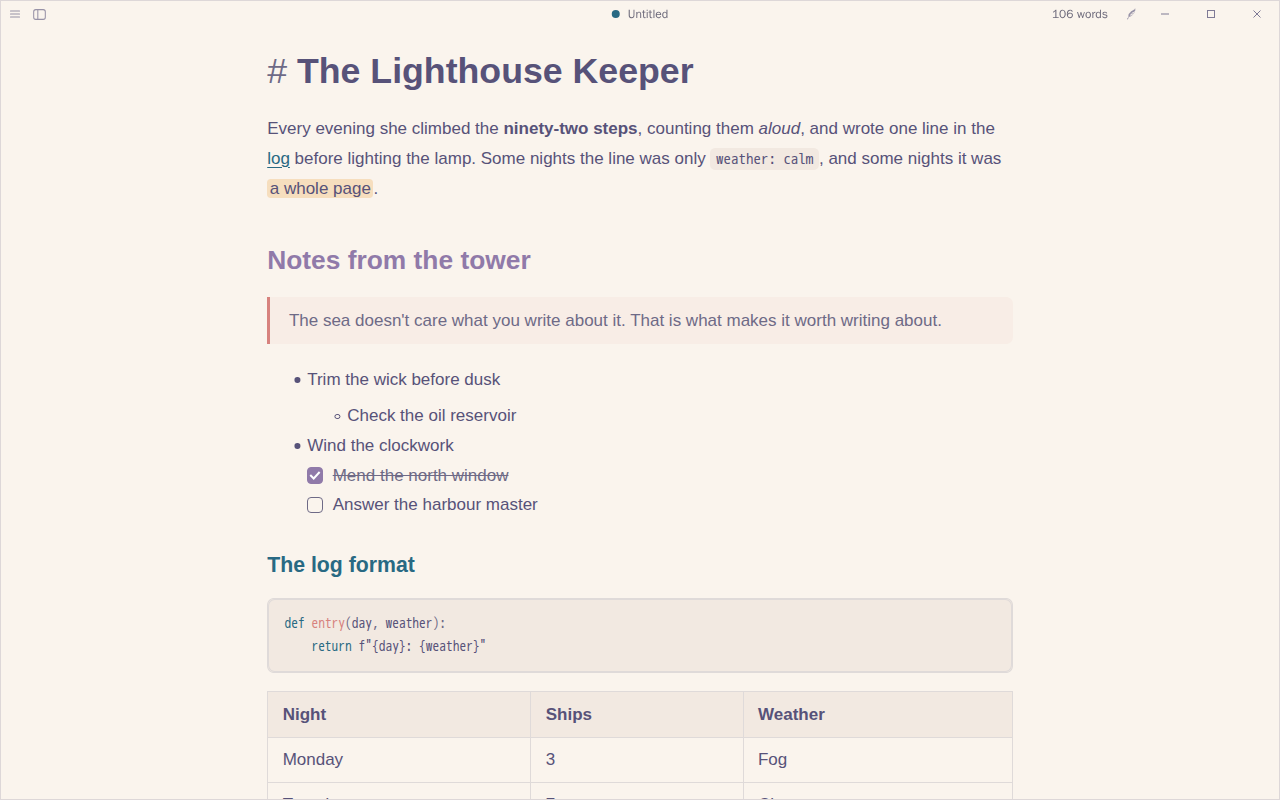
by @CatVinci-Studio · MIT
Soft and natural: Rosé Pine Dawn's warm paper by day and Rosé Pine's deep night after dark, iris accents, pine links and rose quotes. On the Rosé Pine palette.
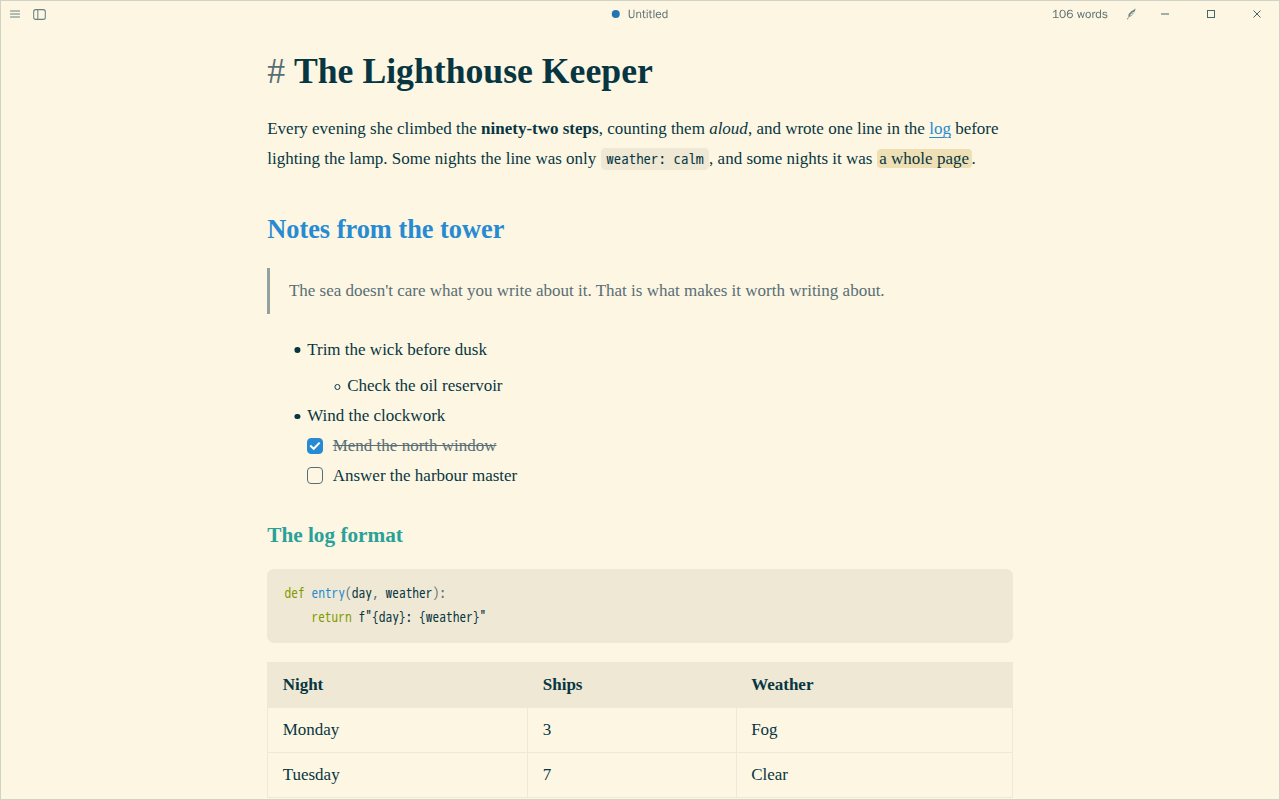
by @CatVinci-Studio · MIT
Calm, low-glare colours for long reading: Solarized's warm light page by day and its deep blue-green one at night, blue links, cyan and green headings and orange code. On the Solarized palette.
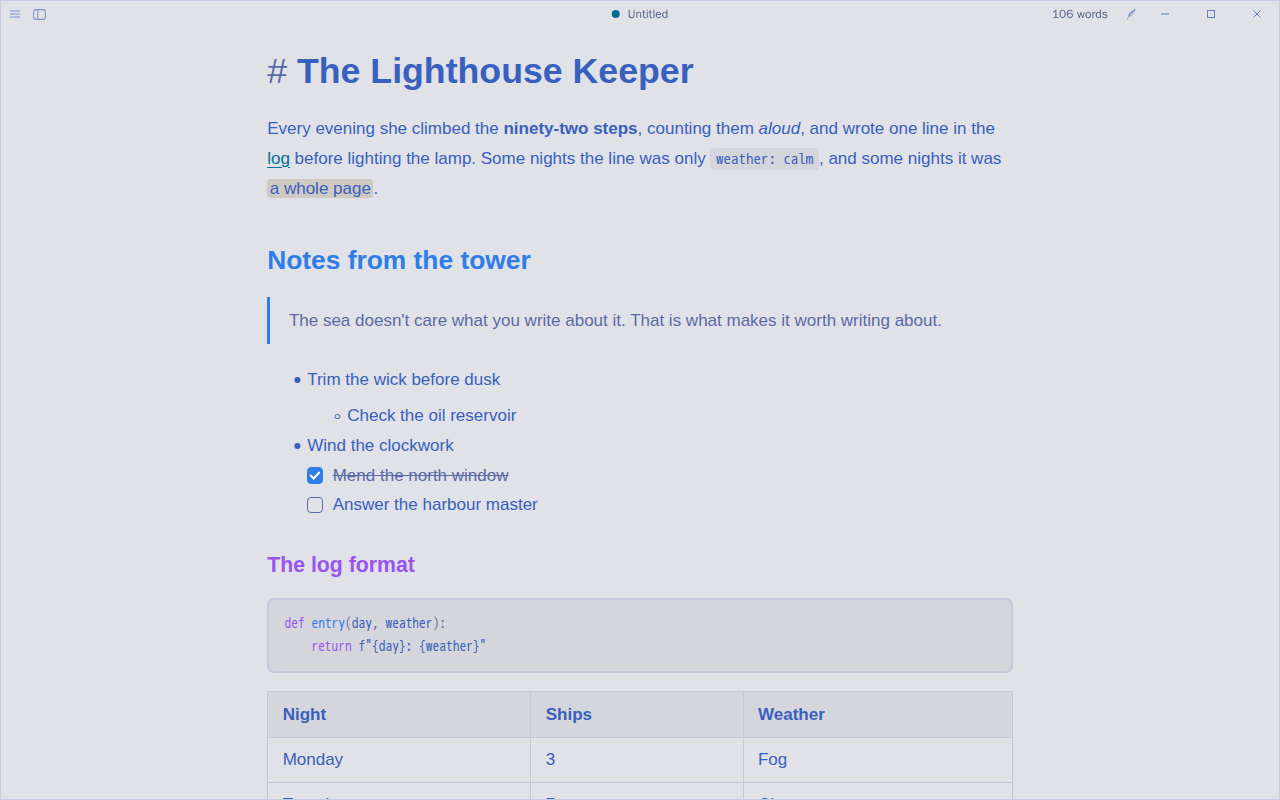
by @CatVinci-Studio · MIT
Clear and electric: Tokyo Night Day's pale blue page by day and the Night palette after dark, blue headings, purple and cyan accents, and code in the same colours. On the Tokyo Night palette.
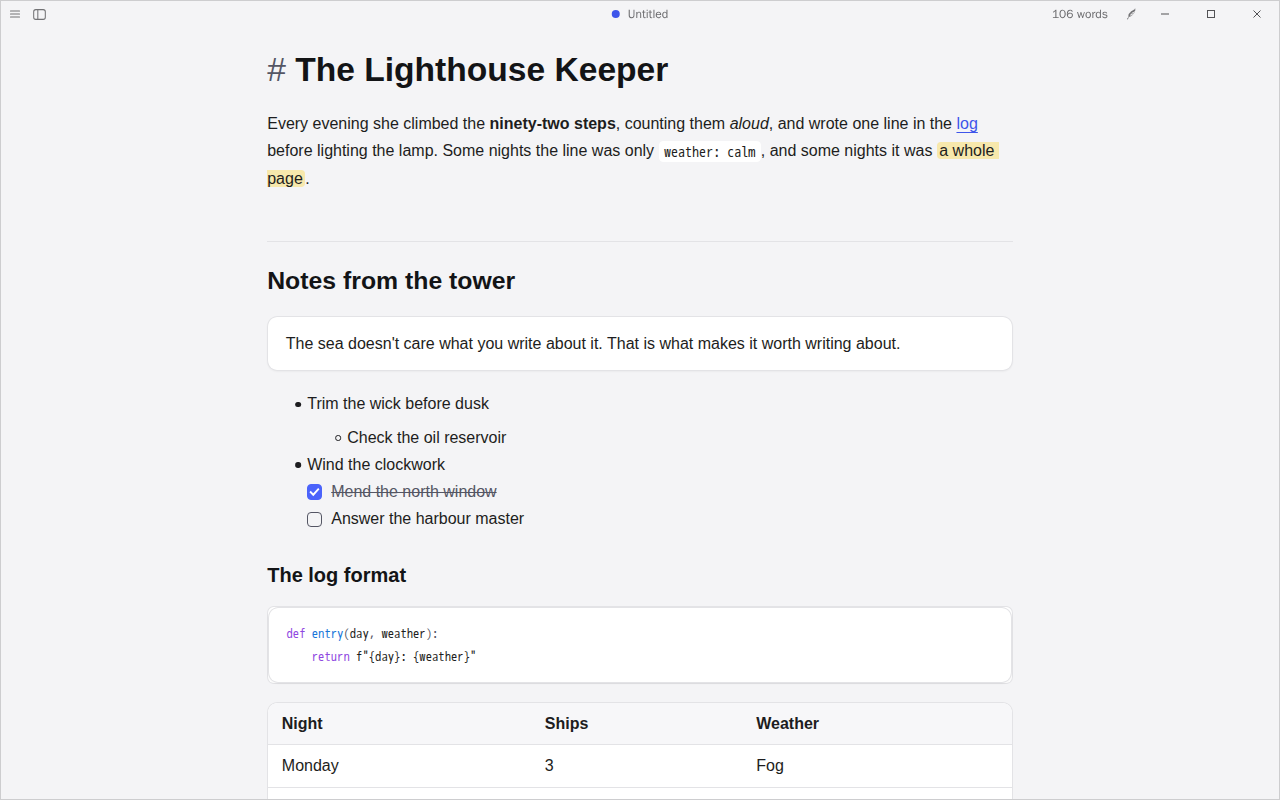
by @CatVinci-Studio · MIT
For notes you keep in order: quotes, code, tables and callouts each sit in a rounded card on a soft grey page, with an indigo accent, and level-2 headings open a section over a rule. Layout and colours after Border, our own CSS.
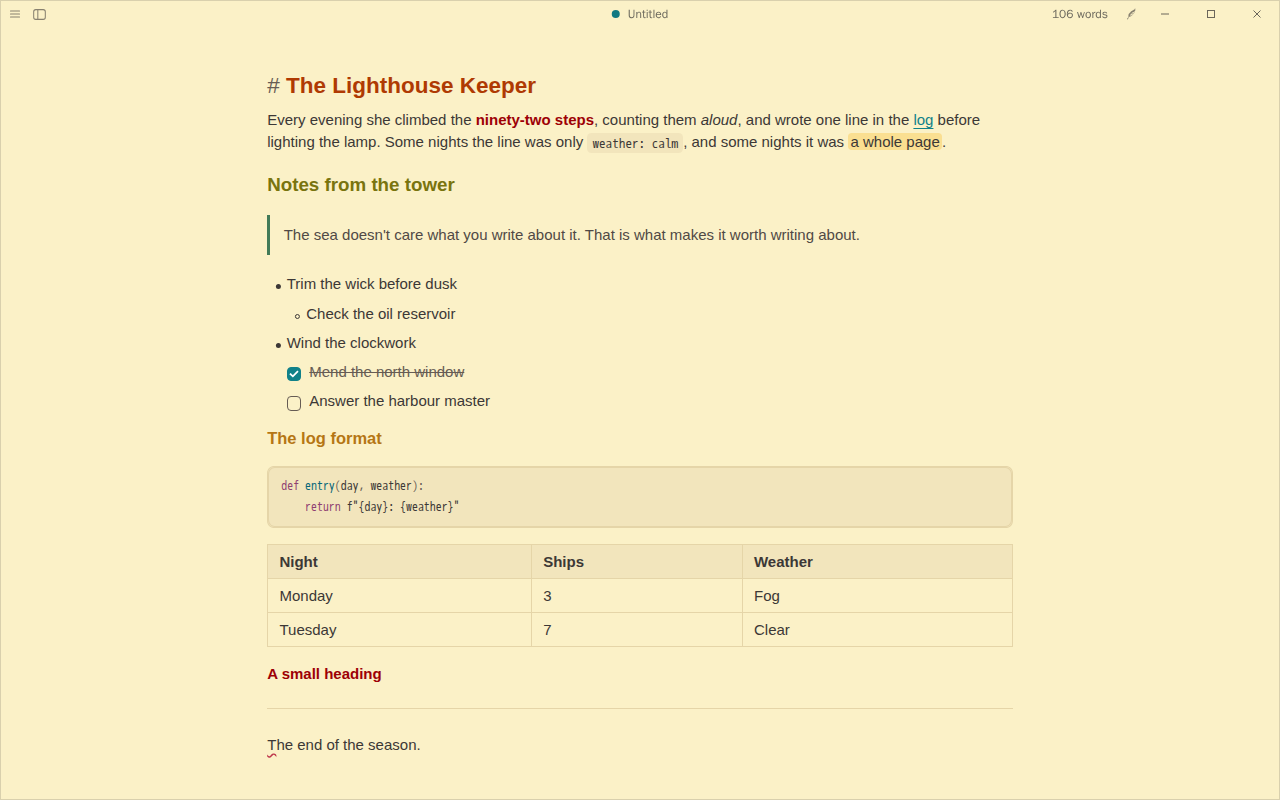
by @CatVinci-Studio · MIT
More on a screen without crowding it: a 15 px sans with tight lines and paragraphs on warm Gruvbox paper, headings set apart by colour rather than size. For lists, logs and quick notes. Density and colours after Shimmering Focus, our own CSS.
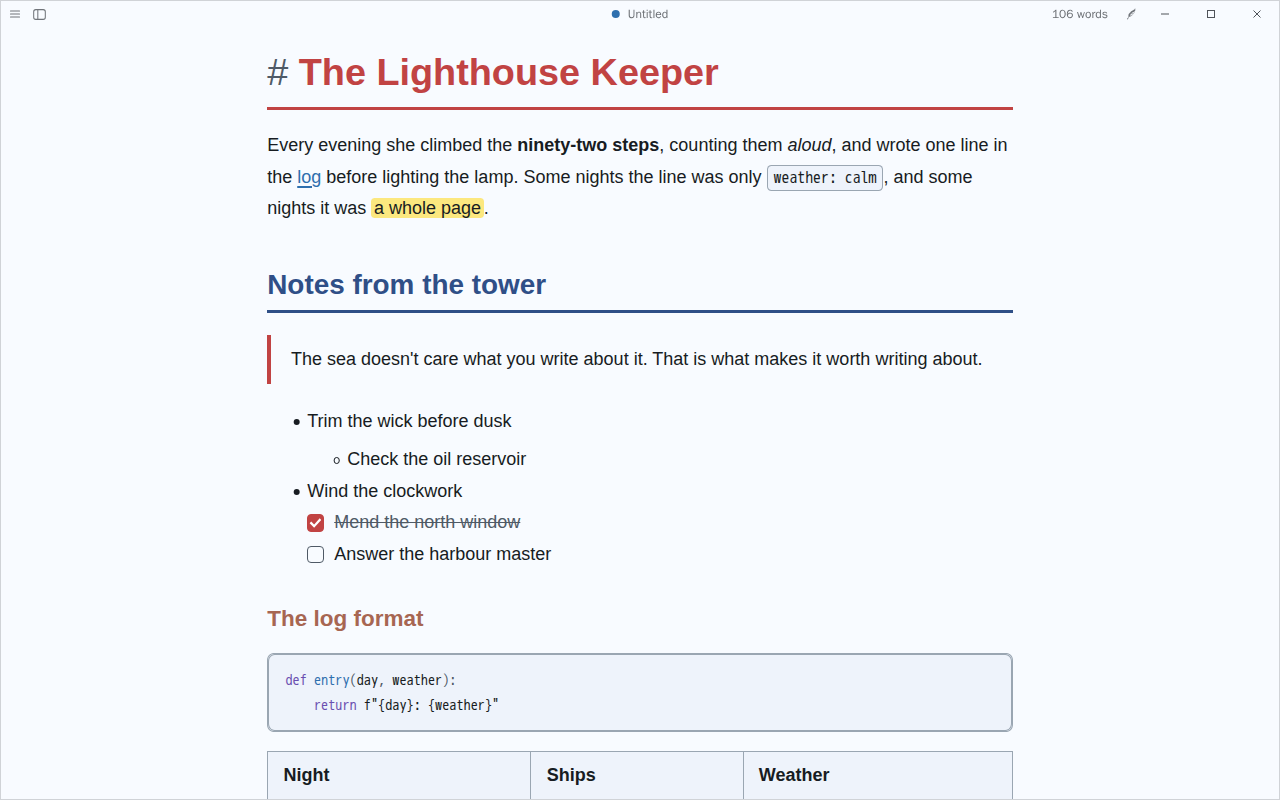
by @CatVinci-Studio · MIT
Clear for long reading and research notes: near-black on a cool white page, 18 px type, red and navy headings, links always underlined, a firm rule under top headings and code set apart by a border. Body text meets WCAG AAA. Colours after ITS, our own CSS.
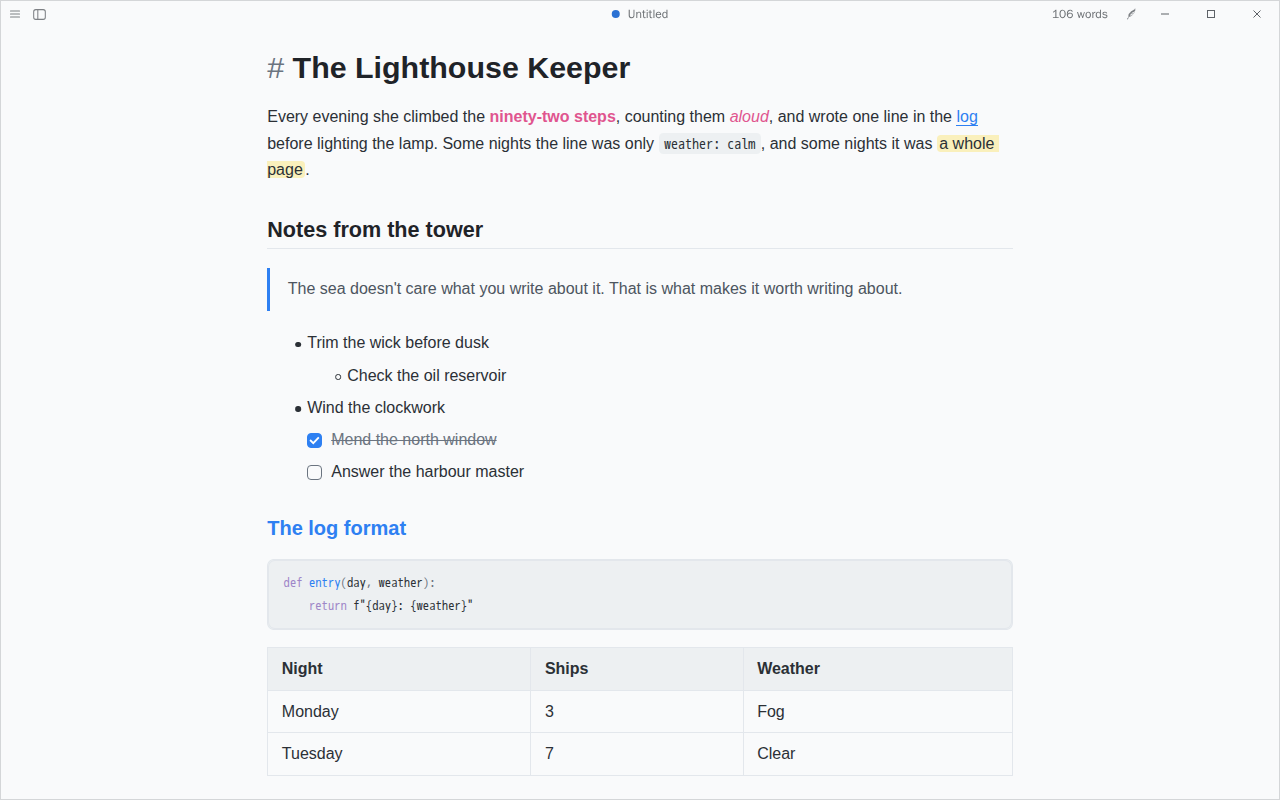
by @CatVinci-Studio · MIT
For plans, to-dos and outlines: a clean sans on a cool white page, headings that change colour by level, pink bold and teal quotes, and roomy list items. Colours after Things, our own CSS.
by @CatVinci-Studio · MIT
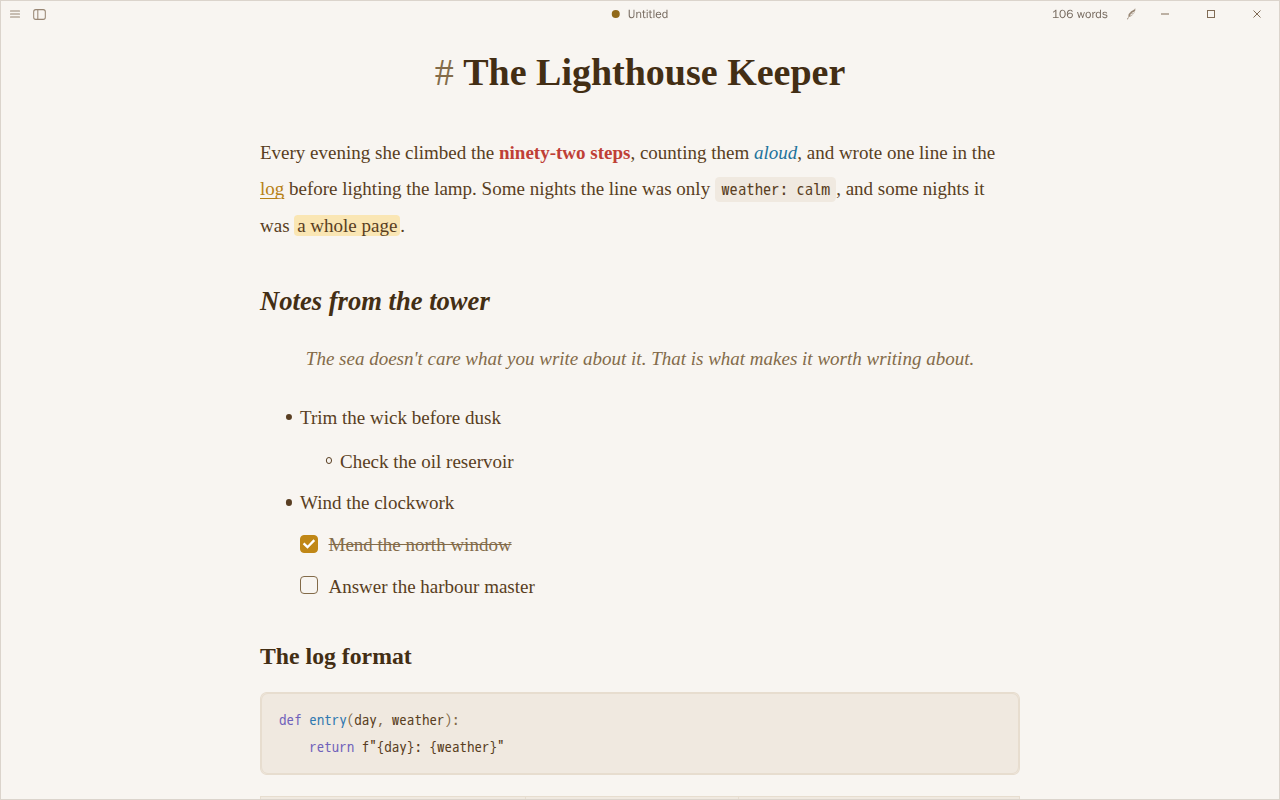
Like reading a well-set book: a large serif on warm paper in brown ink, wide lines and generous paragraphs, bold in red, italics in blue and links in gold; a lamp-lit page after dark. Colours after Primary, our own CSS.
by @myshzzx · MIT
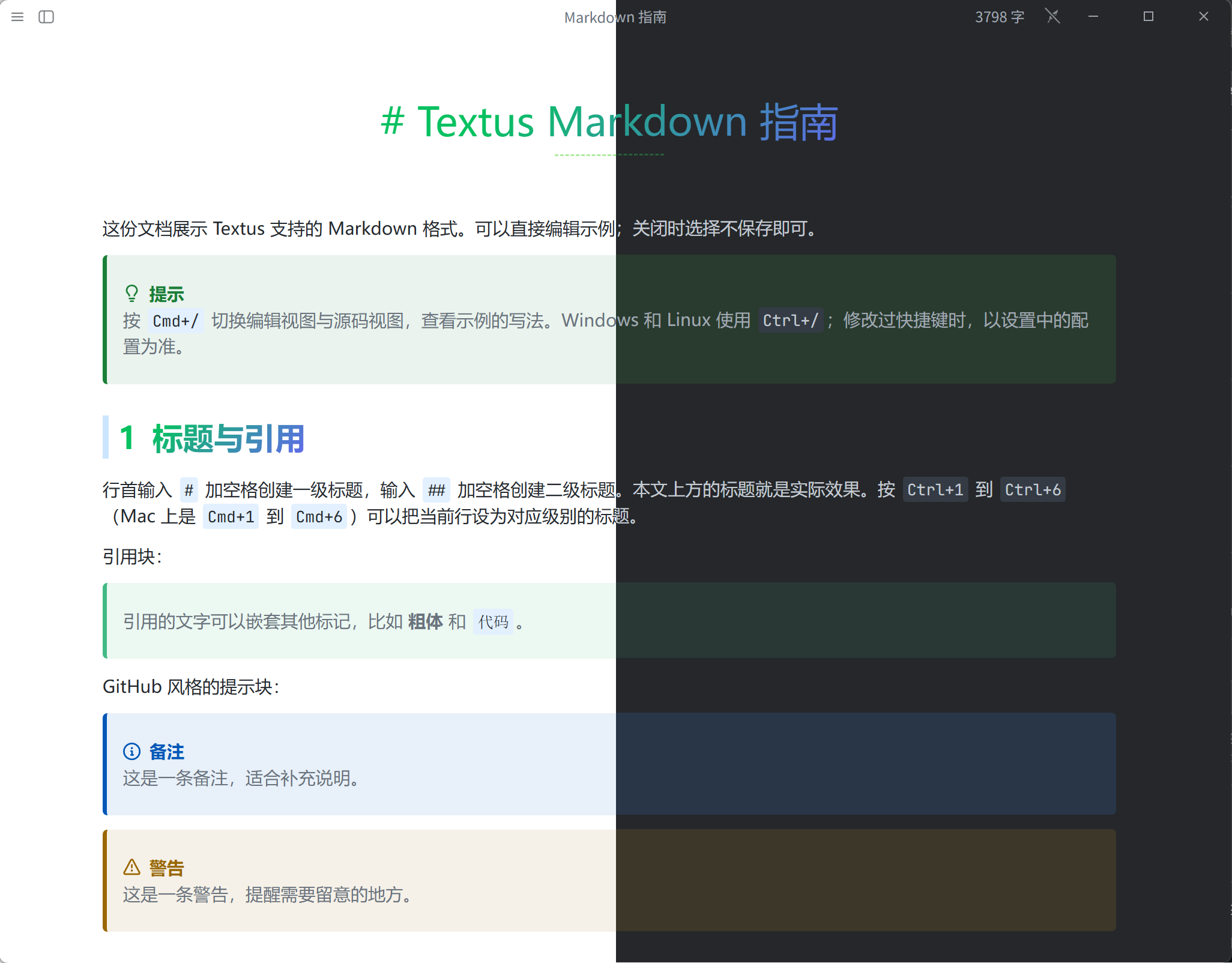
Misty from Typora, made over for Textus: soft green-to-blue headings, numbered sections and gentle callouts, one file that follows light and dark. After Misty by E-Tiger Studio (MIT), with ideas from VLOOK.
by @CatVinci-Studio · Apache-2.0
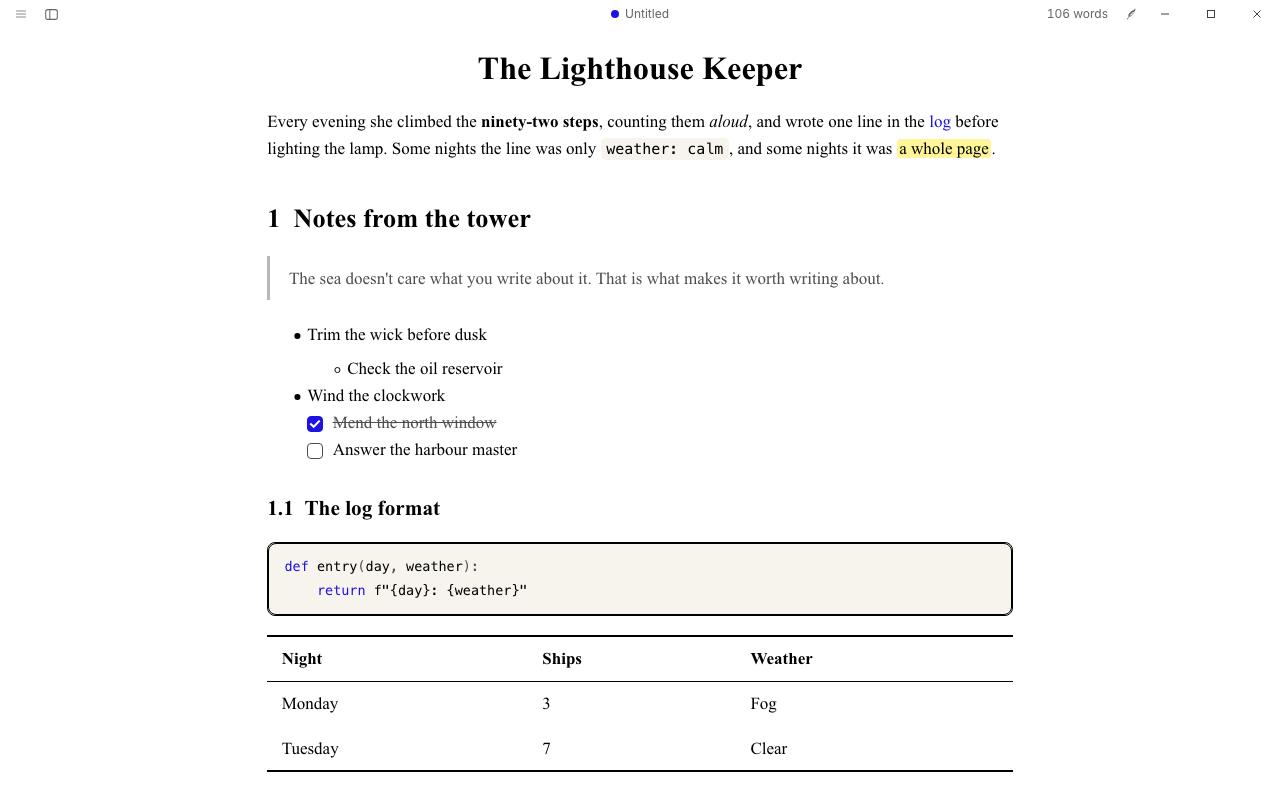
Like a typeset paper: a Computer Modern style serif, numbered sections, booktabs tables and plain links, on white or on black. After LaTeX Typora by shamsghi.
by @CatVinci-Studio · MIT
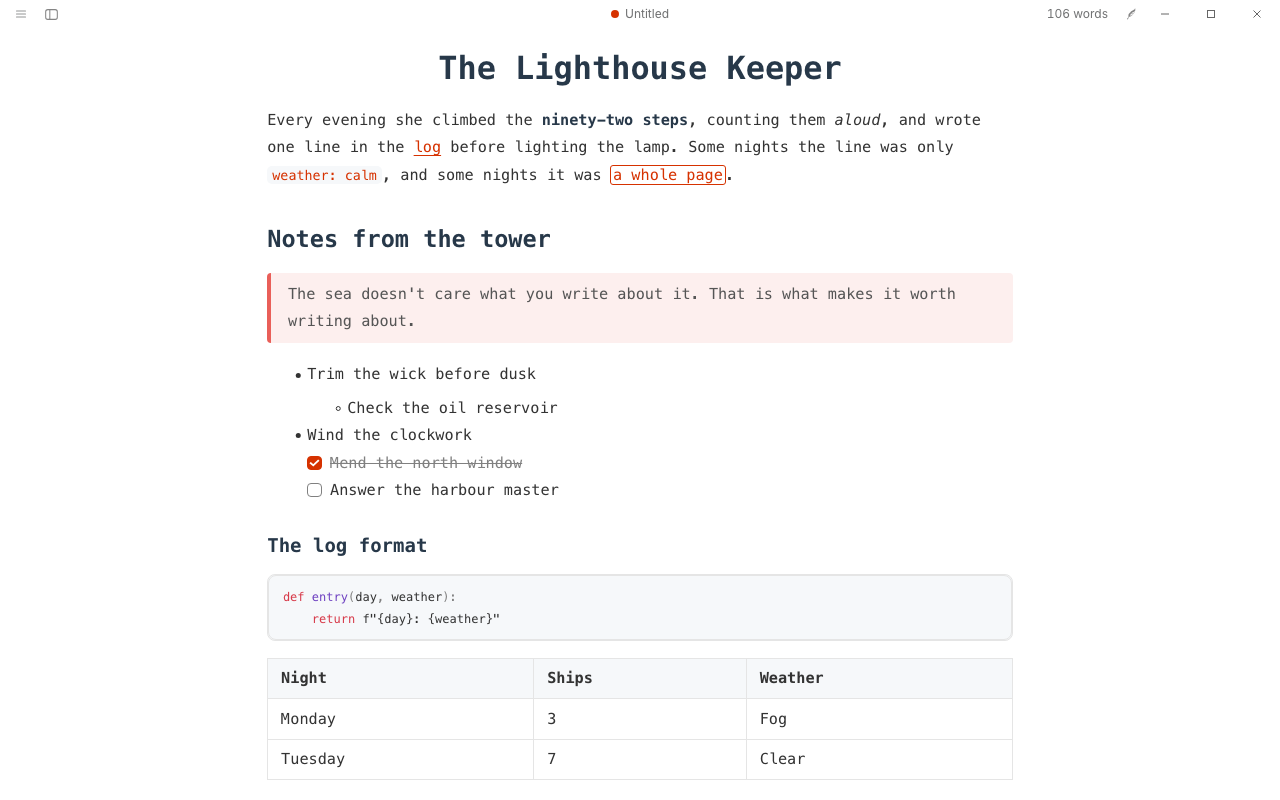
A writer's terminal: every word in a coding font, a centred title, one slate colour for headings, tinted quotes with a coloured bar and outlined highlights. After Drake by liangjingkanji.
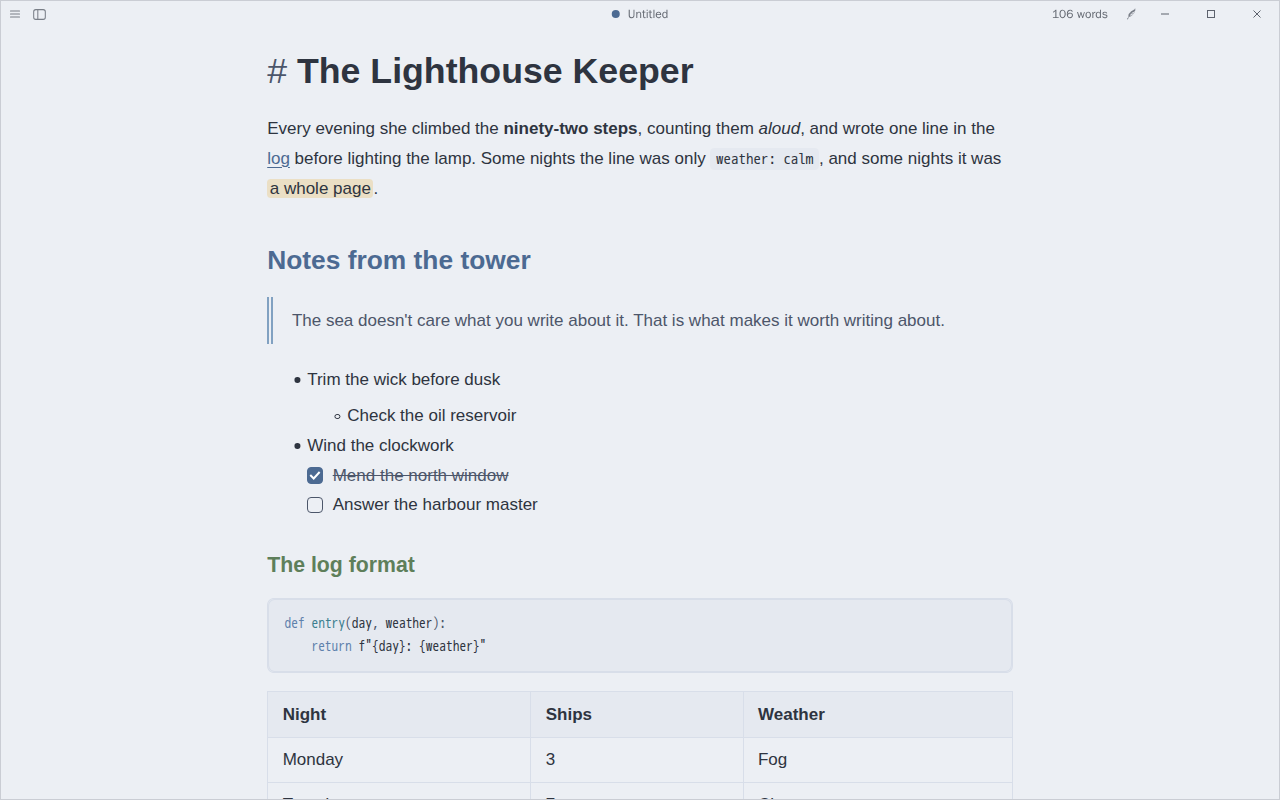
by @CatVinci-Studio · MIT
Arctic and calm: a snow-storm page by day and polar night after dark, headings and links in Nord's frost blues and a double quote rule. On the Nord palette.
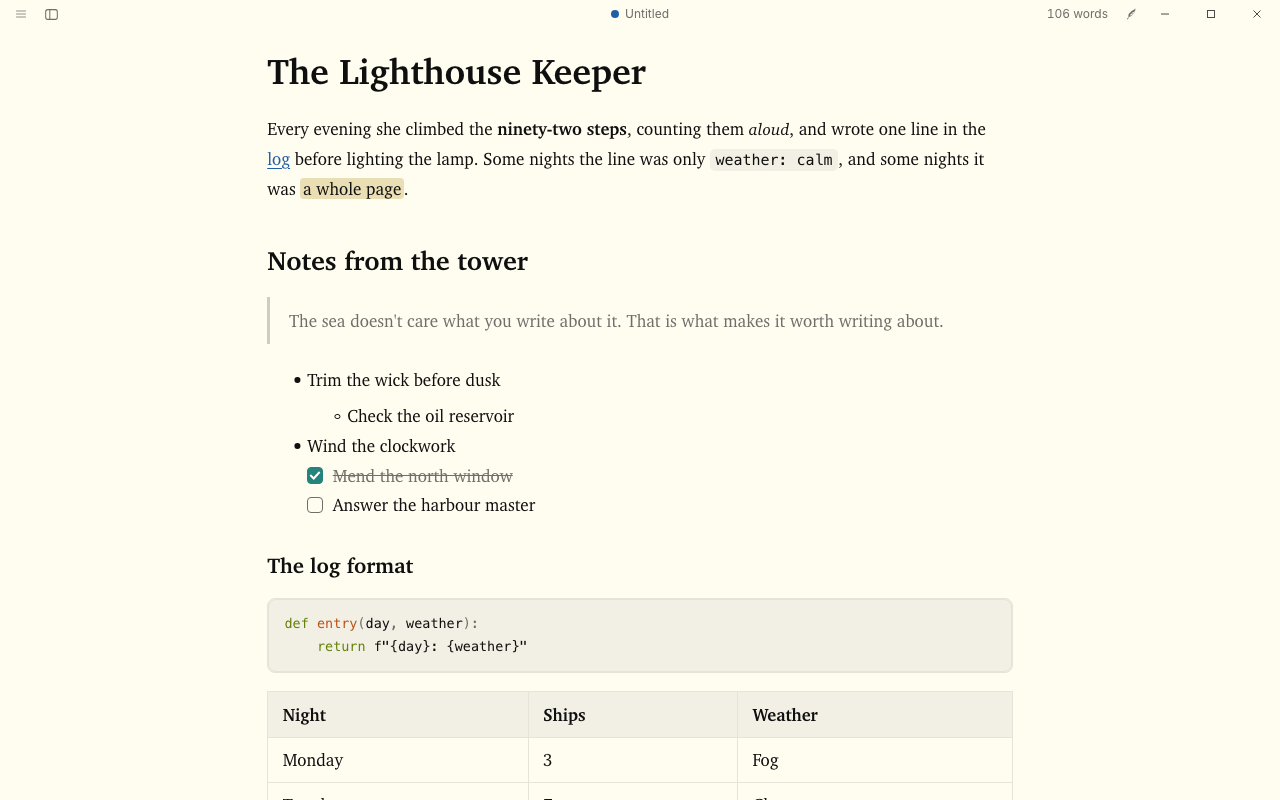
by @CatVinci-Studio · MIT
Ink on paper: a warm paper page and a near-black one, headings in ink, cyan links and quiet code. On Flexoki by Steph Ango, https://stephango.com/flexoki.
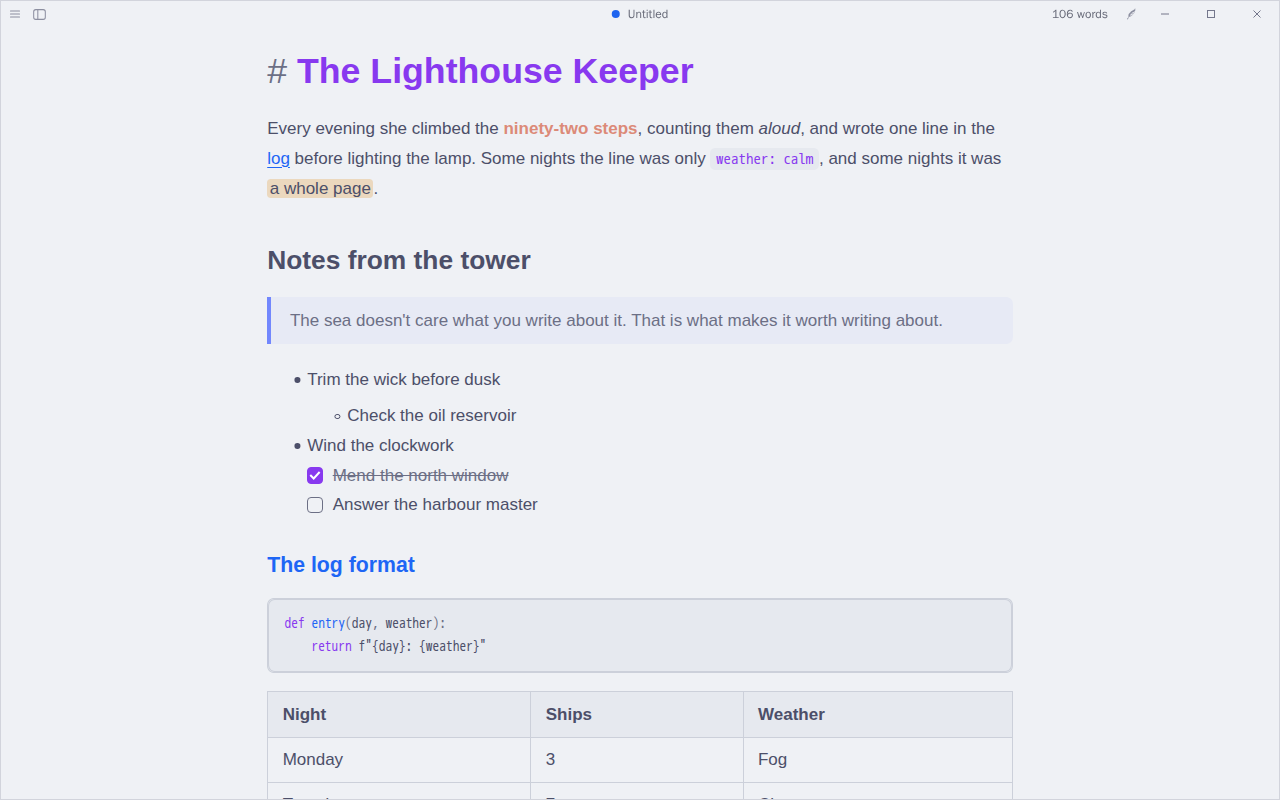
by @CatVinci-Studio · MIT
Soft pastels for long sessions: a cool latte page by day and a deep mocha one at night, a mauve title, blue section heads, lavender quotes and a rosewater bold. An unofficial port of the Catppuccin palette.
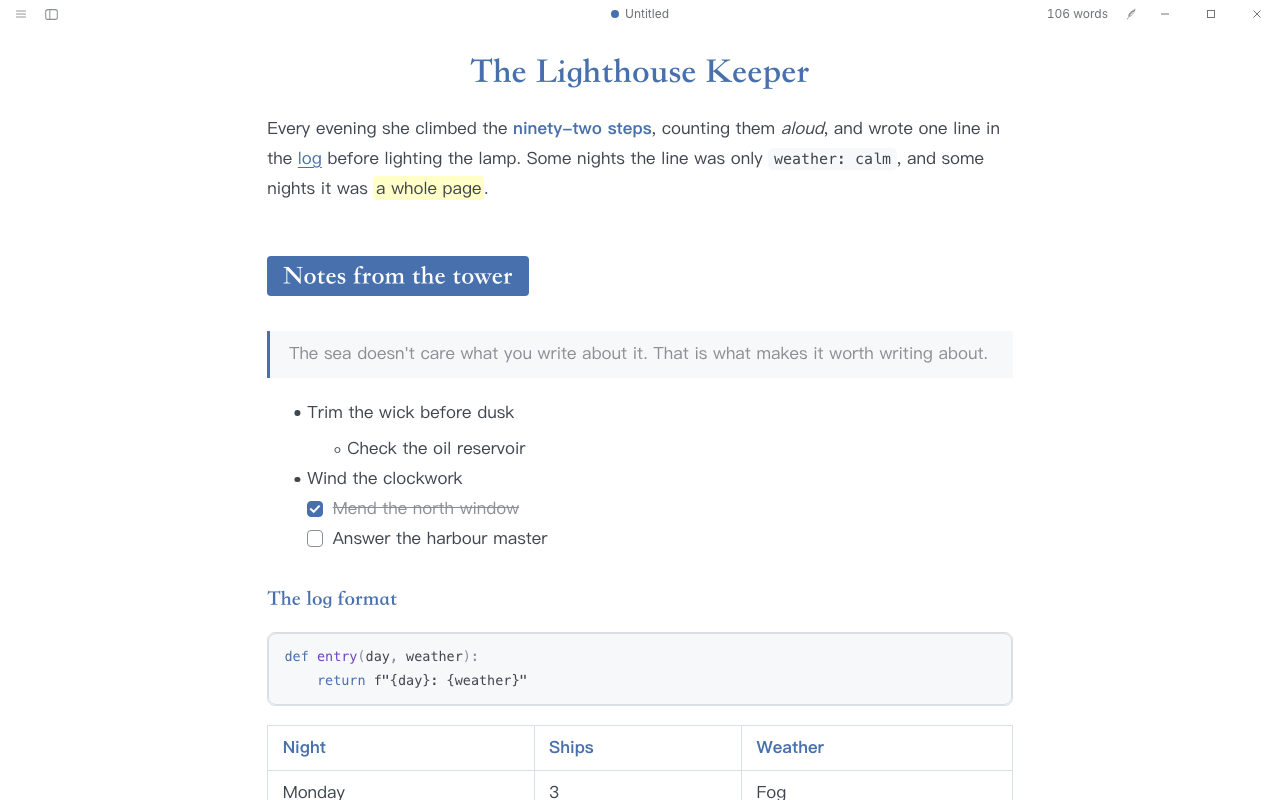
by @CatVinci-Studio · MIT
Indigo and clear: a centred title, level-2 headings on a solid blue band, serif headings over a sans body, blue bold and blue list markers. After Lapis by YiNN.
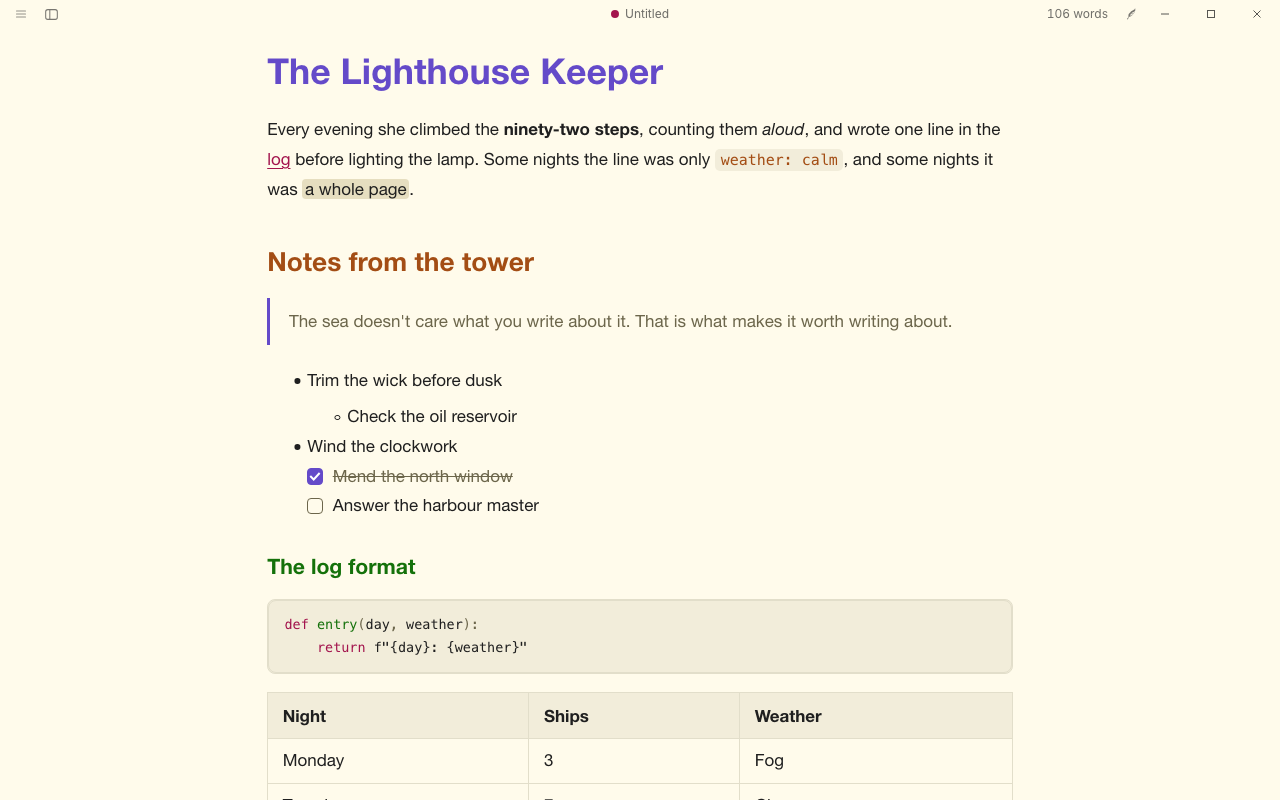
by @CatVinci-Studio · MIT
Vivid and nocturnal: the classic dark purple-grey page with neon accents, and a warm cream day page with deeper ones. On the Dracula and Alucard palettes.
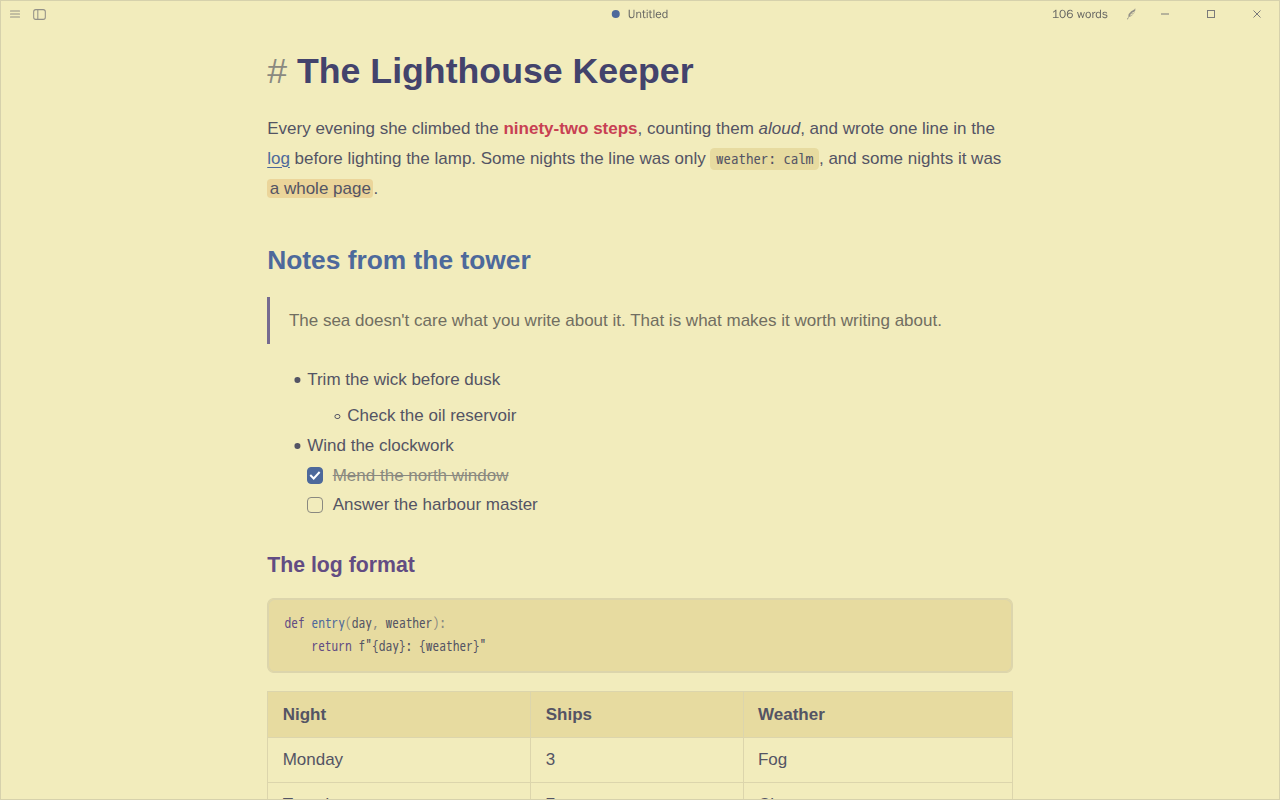
by @CatVinci-Studio · MIT
Colours of an old woodblock print: Kanagawa's lotus paper by day and the deep ink of the wave at night, indigo and violet headings, a red bold and soft green strings. On the Kanagawa palette.
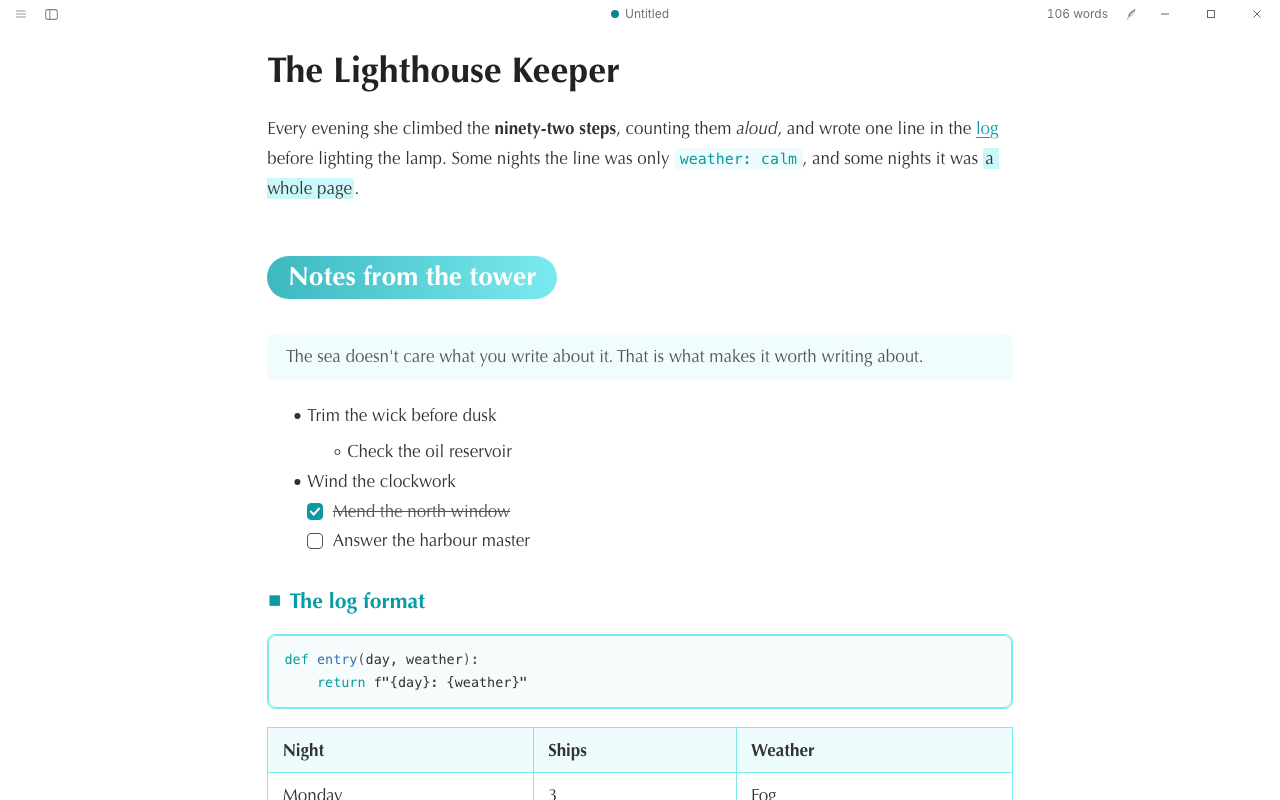
by @CatVinci-Studio · MIT
Fresh and lively: level-2 headings on a mint pill, small markers before the smaller headings, a dashed rule and tinted quotes, with a calm sea-dark night. After Phycat by sumruler.
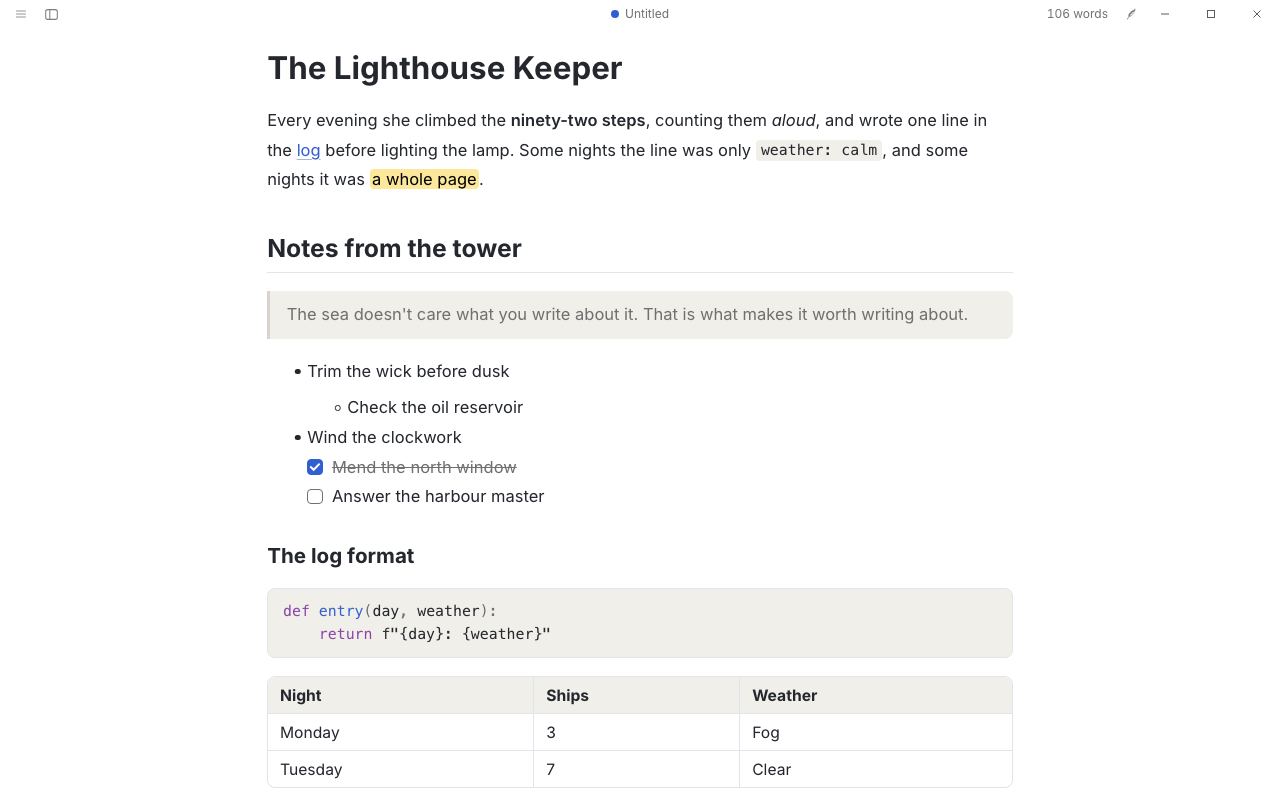
by @CatVinci-Studio · MIT
Textus's default look without the heading marks: the same type and colours, with plain level-3 and level-4 headings.
by @CatVinci-Studio · MIT
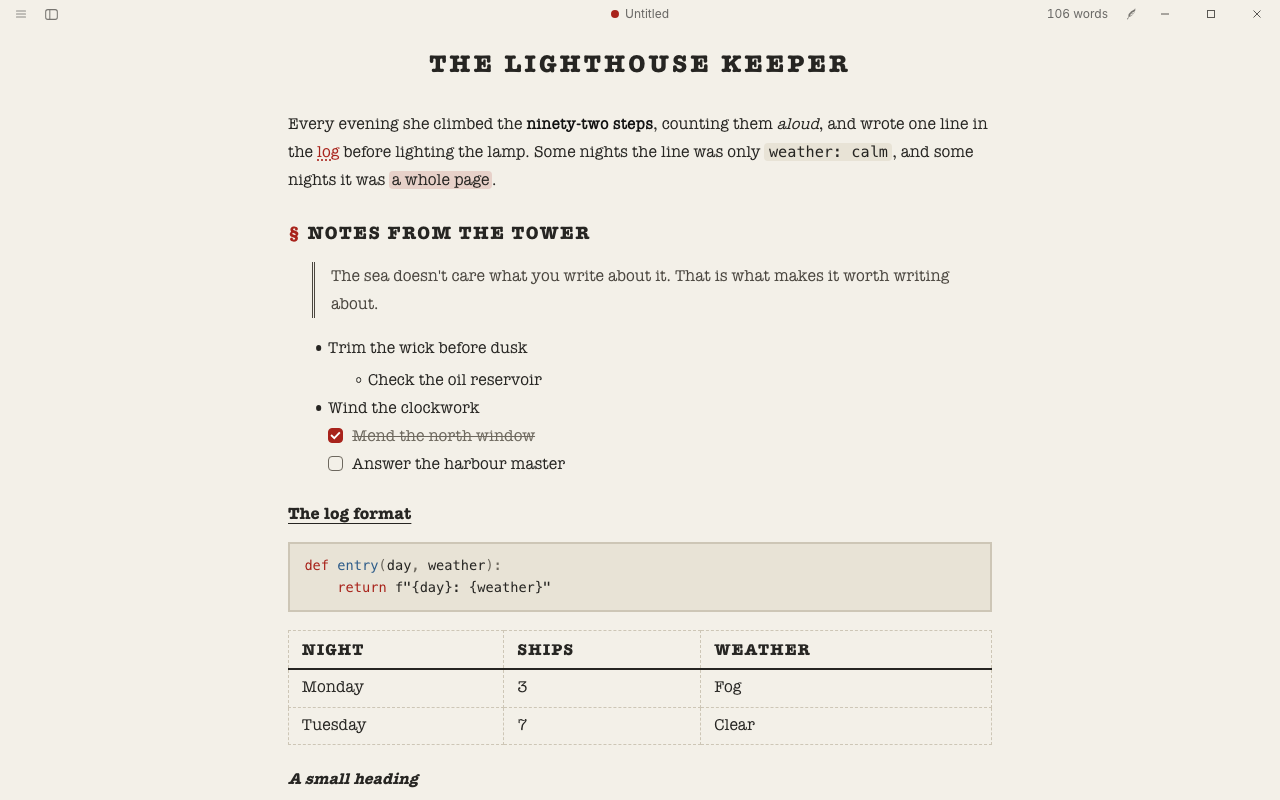
A typewritten draft: typewriter type on off-white paper, a narrow page, uppercase headings with section marks and a ribbon-red accent.
The gallery has just opened. Share the first theme: post your CSS and a screenshot on the gallery issue, and once a maintainer has reviewed it, it appears here.
Share a themeNew panels, file types and tools. Most of them run on iPhone and iPad as on the computer.
Ways of doing one job well, for Textus AI. They also appear in the / menu.
Make a passage fuller without adding facts
OfficialWriting
Sum up faithfully, at the length you ask for
OfficialWriting
Cut the wordiness and keep every fact
OfficialWriting
Translate so it reads like native writing
OfficialWriting
Write the next section in your voice, consistent with the library
OfficialWriting
Make text more formal, plainer, warmer or firmer
OfficialWriting
Take out stock AI phrasing, or just point it out
OfficialWriting
Fix dialogue punctuation and speech tags for the document's language
OfficialWriting
Add concrete, sensory detail to a person, place or scene
OfficialWriting
Rewrite in the style of a sample or your style profile
OfficialWriting
Draft or restructure an email or letter
OfficialWriting
Formal, measured wording for papers and grants; citations untouched
OfficialWriting
Turn notes into decisions and action items
OfficialWriting
Find contradictions with the library and other chapters
OfficialReview
Draft or fix a notice, announcement or official letter
OfficialWriting
Write an accurate title of the right length
OfficialWriting
Write a post that fits the platform's limits and rules
OfficialWriting
Turn notes or a chapter into study notes with self-test questions
OfficialWriting
Write a cover letter from the job ad and your CV
OfficialWriting
Turn notes or an announcement into a press release
OfficialWriting
Every extension here is free and open source. Before you install a plugin, Textus shows the permissions it asks for.